You can add up to four children from the same household to your account.
To add a child to your account, please follow these steps:
Log in to your account via www.readingeggs.com or the Reading Eggs app using your registered email address and password.
If you are unsure of your password, you can reset it here: http://app.readingeggs.com/password_resets/new
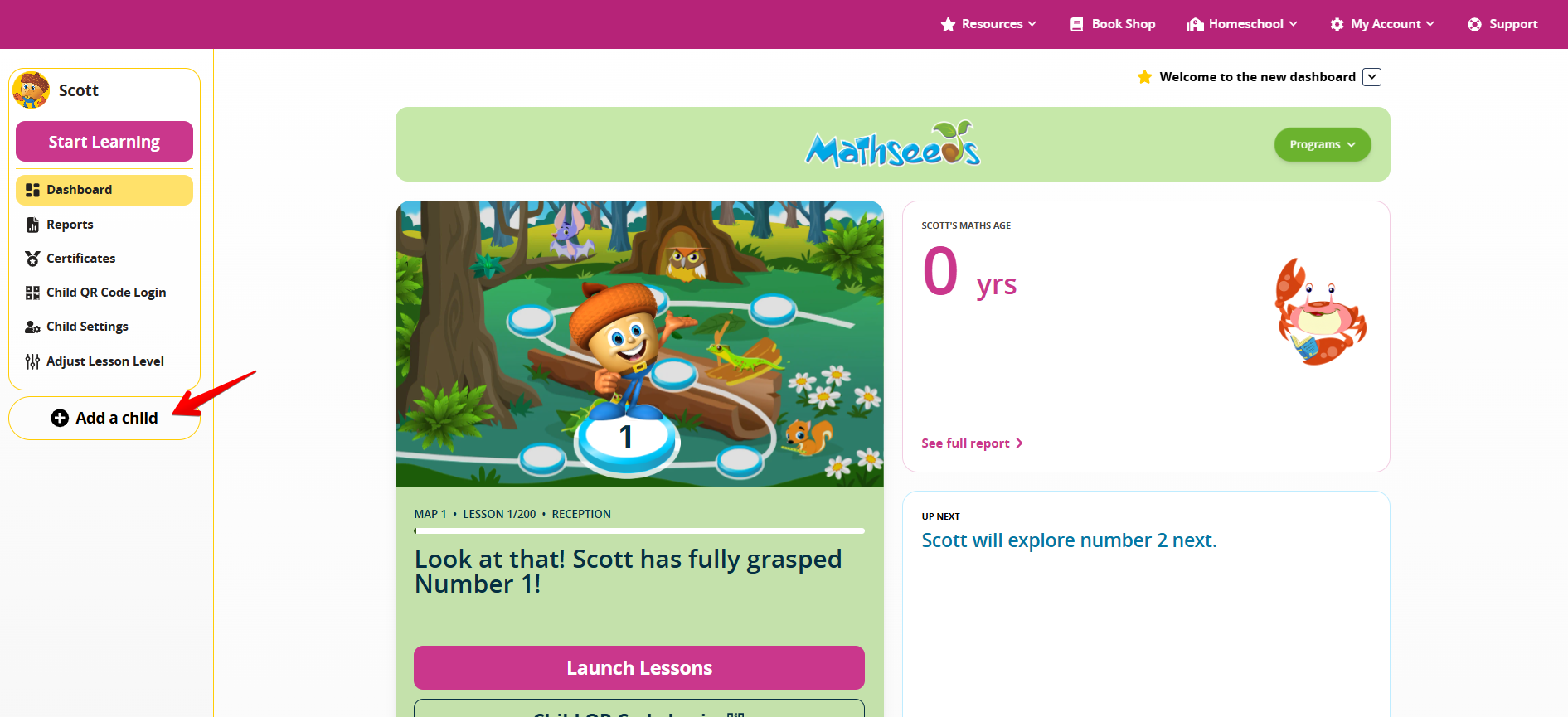
- Click the 'Add a Child' tab.
- Select the appropriate option:
- Option 1 (Home Accounts): Enter your child's name and year of birth, then click 'Add Child'.
- Option 2 (School Accounts): Enter your child's school login details and year of birth, then click 'Link Child'.
- Repeat these steps for any additional children. Please note that a maximum of four children can be added to one account.
If you are already logged in to a child's profile and are on the Family Dashboard, select 'Add a Child' on the right-hand side of the screen and follow the prompts.
Was this article helpful?
That’s Great!
Thank you for your feedback
Sorry! We couldn't be helpful
Thank you for your feedback
Feedback sent
We appreciate your effort and will try to fix the article